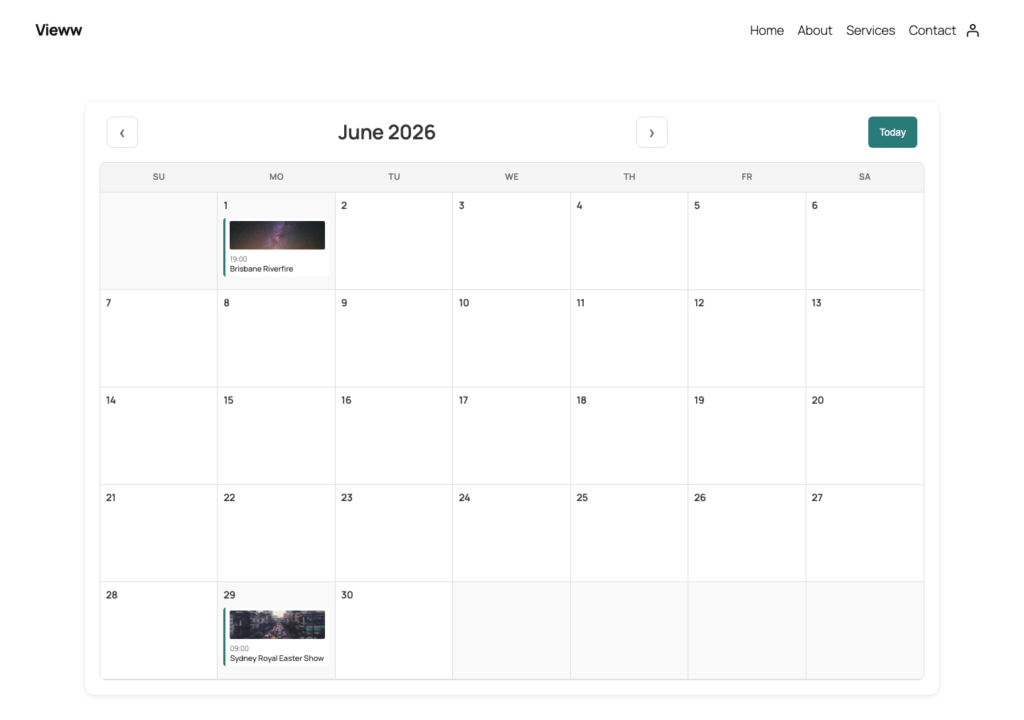
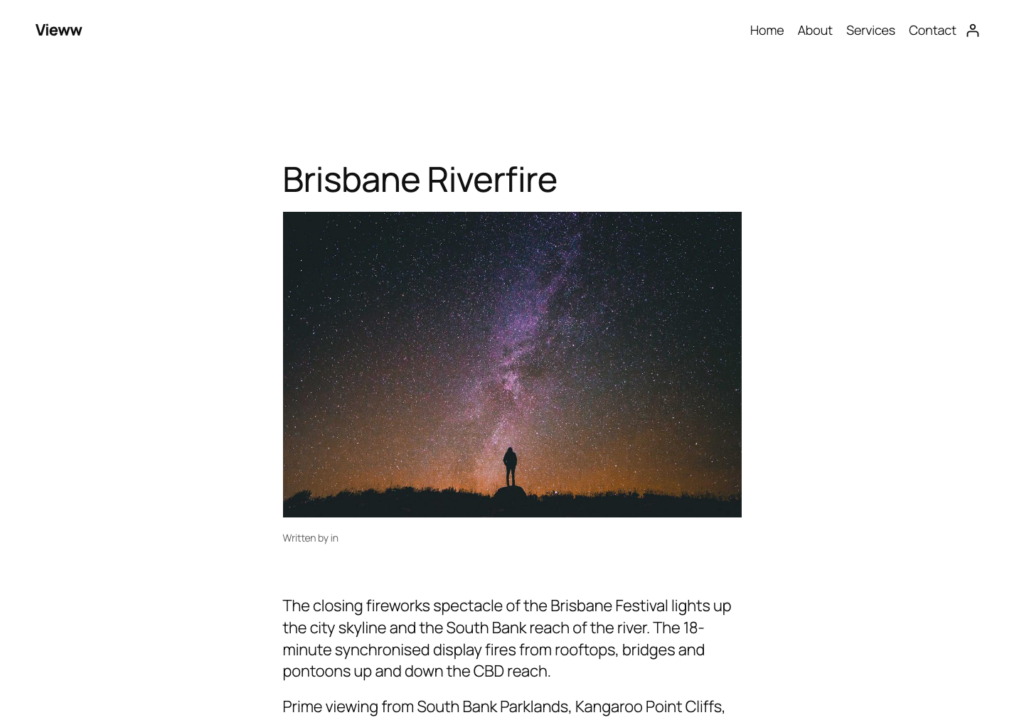
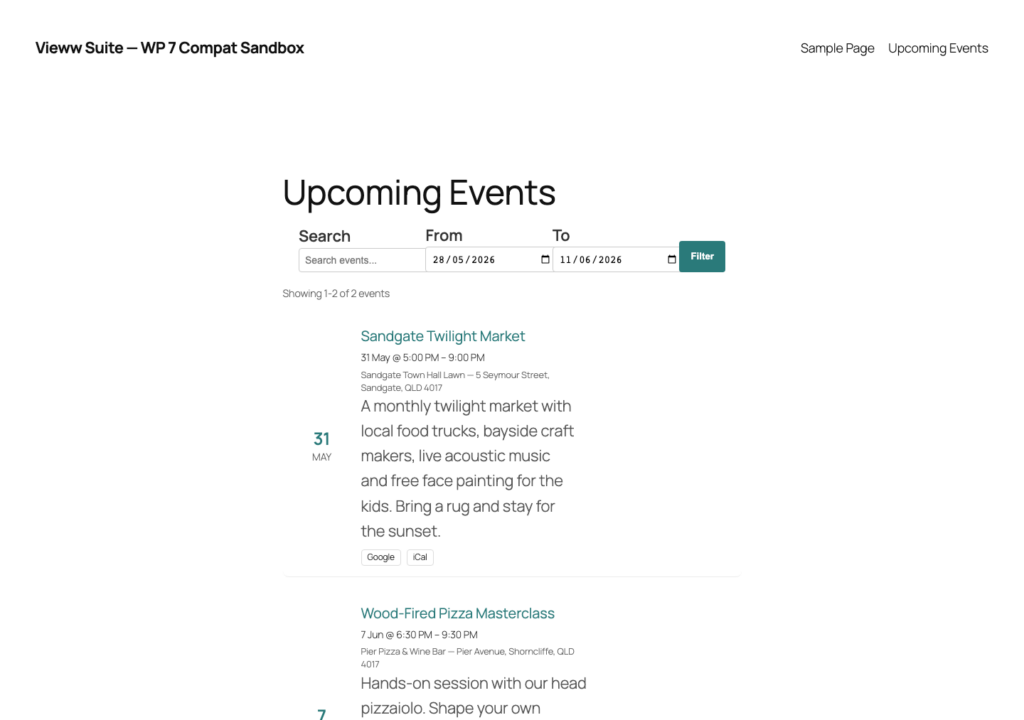
Grid, filterable list, or interactive month calendar. Recurring events, iCal downloads, venue maps and dark-mode-aware design — all in the box.


Grid cards, filterable list, or interactive month view — pick one or use all three on different pages.
Set events to repeat on specific days of the week over a custom date range. Built in to the core plugin.
Structured venue addresses with Photon autocomplete and pin-drop refinement. Map appears on every event page.
Google Calendar links and downloadable iCal files. Works with Apple Calendar, Outlook, anything that reads .ics.
Transient-based HTML caching with one-click invalidation. Plays nicely with WP Rocket, W3TC, Fastest Cache and Super Cache.
Off / auto / always-on dark mode. Colour, font, spacing controls with live preview.
If your organisation runs events and you want them on your own site — without forwarding visitors to Eventbrite or fighting an enormous calendar plugin — this is the fit.
[vieww_events_grid][vieww_events_list][vieww_events_calendar]vieww/events-grid (Gutenberg)/wp-json/wp/v2/vieww_eventdo_action("vieww_events_cache_flush")filter: vieww_events_query_argsWP Rocket · W3TC · Super CacheNot directly. Vieww Events Calendar is a display plugin, not a ticketing platform. You can link out to your own ticketing provider per event.
One base event with a recurrence rule — not hundreds of duplicate posts. Edits to the series propagate, and the database stays small.
No. We use history.replaceState rather than pushState, so your browser back button does what visitors expect.
No. The suite shares mapping assets so you don’t pay the bandwidth cost twice.
WordPress.org forum support. Vieww Pro (coming soon) will include priority email support and additional event templates.

© 2026 Vieww. All rights reserved.
Made for WordPress.